
Bismillahir Rahmani Rahim, hopefully by the grace of Allah everyone is well and healthy in their respective places. Today's topic of this tune is how to lock messenger without any app.
Messenger is one of the best ways to communicate with loved ones, friends and family in today's era. We often have a conversation with someone on Messenger about something confidential, which may be dangerous if someone else sees it. So now we are not safe in the way we are using messenger. Because anyone can enter the messenger at any time and see our confidential conversation or confidential information such as the password of something with someone, someone's confidential mobile number, audio, video, pictures, etc. So how about if we could use fingerprint or face lock on Messenger without any app, surely it would be good for us and we would be safe.
But a great feature has been introduced in the messenger, in one word you can say that the messenger has fulfilled the expectations of everyone. But now your messenger will be 100% secure, no one can access your messenger even if they use your mobile all day long. Because from now on you can easily lock your messenger whenever you want. Let's show you how to activate this new feature.
Follow below steps to lock messenger.
1. First of all you open the messenger of your smartphone.
2. After opening you will find an option three-line at the top left tap on it.
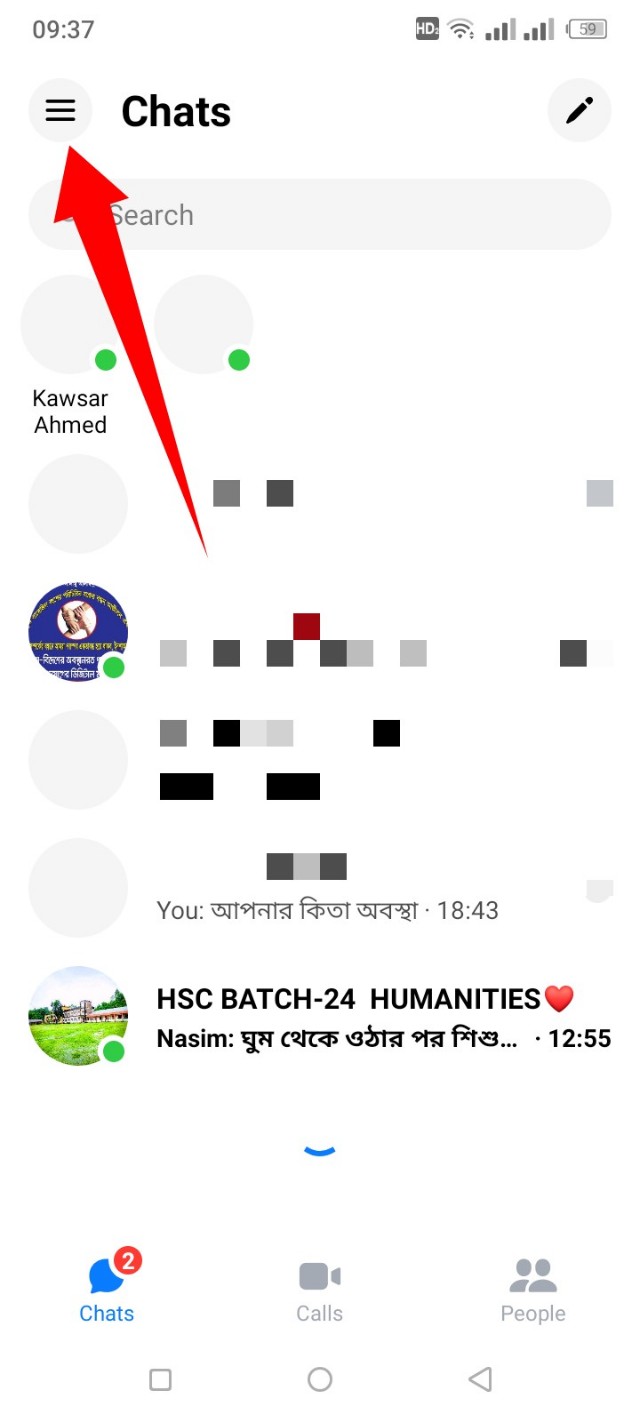
3. Then here at the top right side you can see there is a settings icon click on it.
4. After clicking on settings icon you will scroll down a bit, scroll down a bit and you will find Privacy & safety tap here.

6.After clicking here follow below Unlock with biometrics they are telling that based on what conditions you can lock your messenger. In this case, you must have fingerprint or face lock on your phone, if you don't have them, you can't lock your messenger. If your Android version is minimum 9 to 10 below this lock will not work.
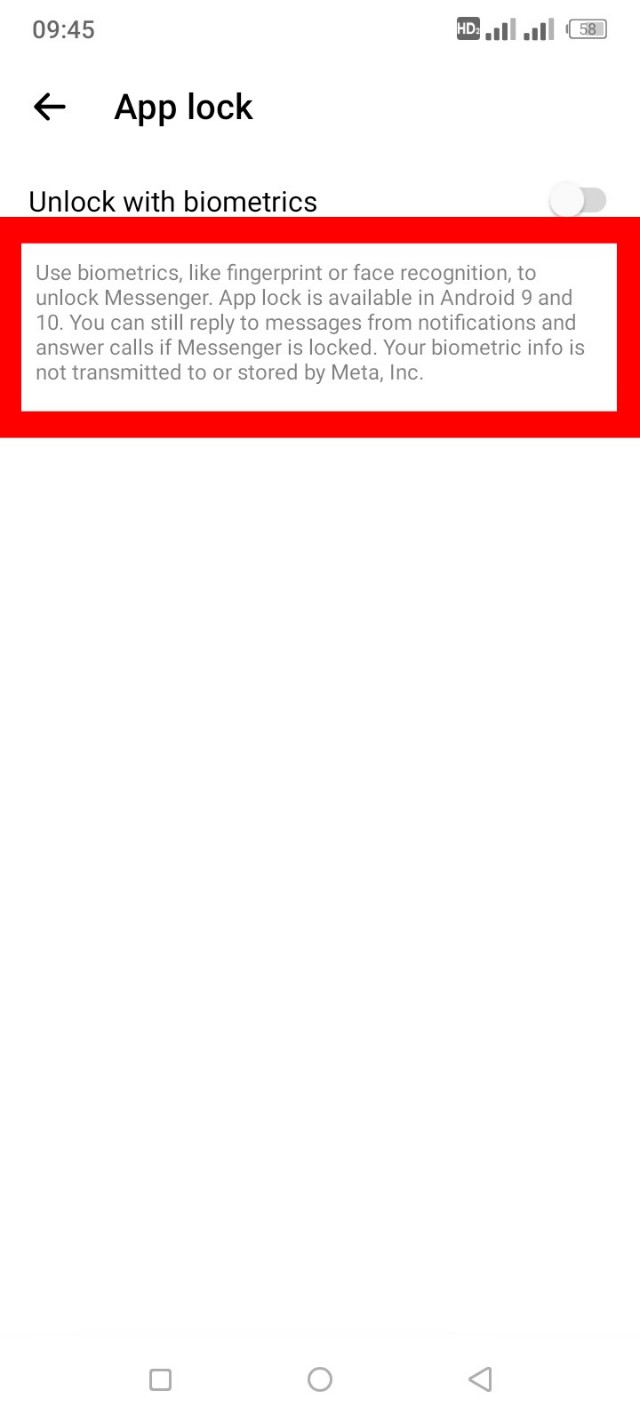
7. After reading everything, turn on the option you see on the right side of Unlock with biometrics. If you want a finger while turning on, you must give it a finger.
Post a Comment